|
REST Services and Application Express 5.1: Filtering
| Released |
APEX version |
Database version |
| Juli 2017 |
ab 5.1 |
ab 11.2 |
More and more Application Express developers are faced with the requirement to integrate
REST services or HTTP/JSON data feeds into their applications. Application Express provides great
support for SOAP web services, but for REST services using JSON to exchange data, the built-in
functionality is limited. For instance, all the JSON parsing has to be done manually by employing
PL/SQL code or SQL functions.
During the last weeks, we released a few articles describing how to access a REST service
from within Application Express, how to leverage the REST Client Assistant packaged application and
how to deal with REST services providing large result sets ...
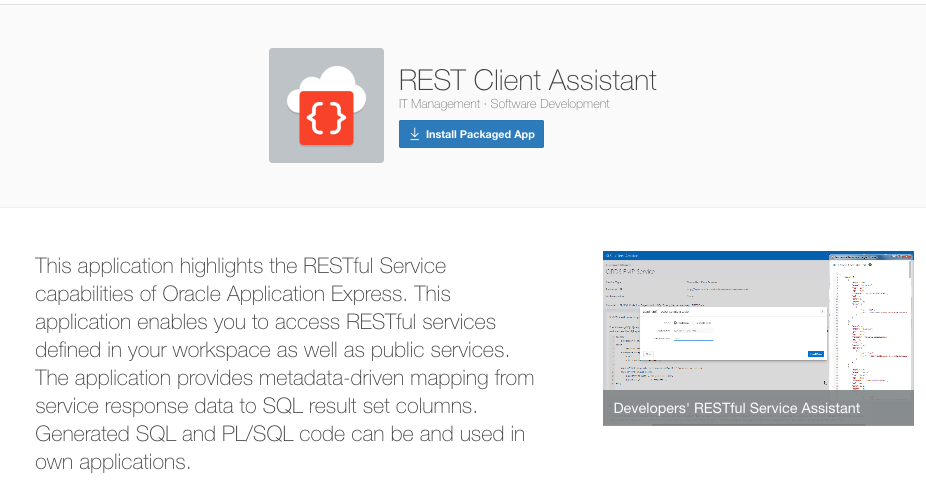
Packaged Application REST Client Assistant
Packaged Application REST Client Assistant
In the previous articles, we always fetched all response data from the REST service - either all at once
or page-wise, depending on REST service capabilities. But in practice, it's often required to get only
a subset of the response data - we want to filter the response based on some end user criteria.
"So that's easy" might be your first thought - since all JSON parsing is done with SQL functions. In the
SQL query, both XMLTABLE and JSON_TABLE act as a row source, so its result can be treated like rows from
a table or view. Thus we can simply amend the WHERE clause of the SQL query, which has been
generated be the REST Client Assistant packaged application.
Let's illustrate that with the "Earthquake" example
from the first article
Generate SQL and PL/SQL code to access REST services using REST Client Assistant.
In that article, REST service data was displayed as an Application Express Classic Report with the
following SQL query.
Now it's more than easy to add some filtering to the WHERE clause, as follows:
And, of course, we can add Application Express Page Items here. So, it's pretty straightforward to add
page items to the Application Express page and to add these to the SQL WHERE clause. End user filtering
for a REST Service - done. So far, so good.
This was so easy, because the Earthquake example does not return huge amount of rows and because it
does not return its data page-wise. Imagine a REST service returning a huge amount of data (thousands or
even millions of rows). As learned in the
Work with REST services returning large result sets page-wise article, these
services return their data page-wise. So, in order to apply a SQL filter, we would first have to fetch all
data, walking though all the response pages. Then all data would be buffered in the database and we would
be able to apply the SQL filter. Of course, we could stop when we have found a sufficient amount of rows,
but perhaps we'll find our rows of interest at the very last page of the REST service response.
To get this straight: That SQL filtering approach will only work for REST services returning a
reasonable amount of rows and all at once. For larger response sizes, that would lead to unacceptable
performance and response times.
The goal must be, to execute a filter on the REST service side. For REST services provided
by Oracle REST Data Services (ORDS), a filter syntax is
provided: Filter criteria can be passed to ORDS with the REST request and will be executed
server-side returning only the final (and limited) amount of rows. The following paragraphs contain
a few examples to illustrate how this filter syntax can be used.
But this ORDS filter syntax is not a common standard - it's an ORDS feature. Whether a REST service
even provides filtering capabilities, and if yes, how the syntax looks like, varies from REST service
to REST service. So when having a requirement to filter data from a REST service, the first exercise
should be to examine whether the REST service supports server-side filtering and its syntax. The rest
of the articale thus assumes that we have REST services powered by
Oracle REST Data Services.
Detailed information about the ORDS filter syntax is available in the
ORDS documentation. Filters are passed using a JSON syntax
either as the "q" query string parameter or as the
request body for a POST request.
As an example, we'll now work with a REST service returning the well-known EMP table data, as
described in the
Work with REST services returning large result sets page-wise article.
It may be available
on http://{server}:{port}/ords/scott/emp/. Following, you'll find
three SQL queries doing it all at once: APEX_WEB_SERVICE invokes the REST service (passing the filter),
and JSON_TABLE parses the response.
1. Get all data (no filter)
2. Filter for DEPTNO Only DEPTNO
30 rows are of interest.
3. We are only interested in rows with a SAL value between 2000 and 4000, but not in SALESMEN.
The most important thing with these examples is that the filter is passed to the REST service -
all filtering happens there and only the rows of interest are passed back to the database. When
we executed the filter by amending the SQL WHERE clause at the beginning, the opposite was true: All
rows have been retrieved from the REST service. But of course, this requires that the REST service
supports a filtering feature and provides a syntax.
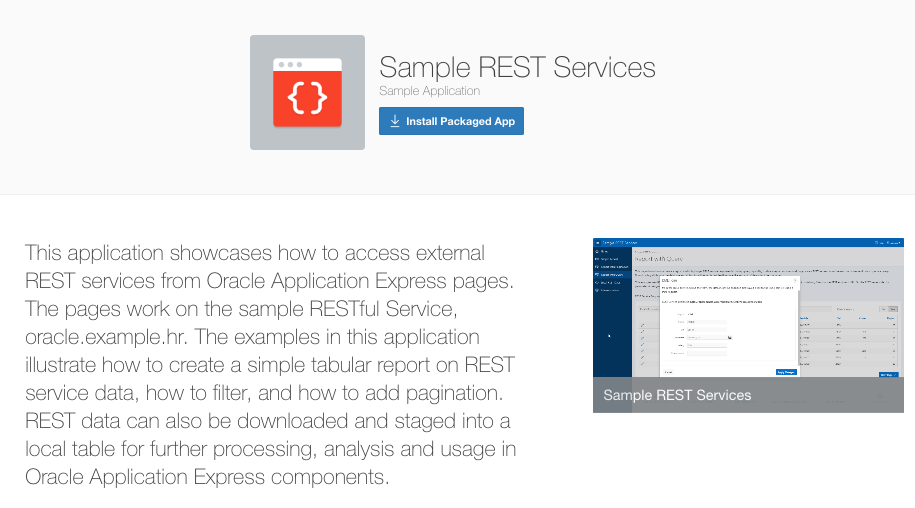
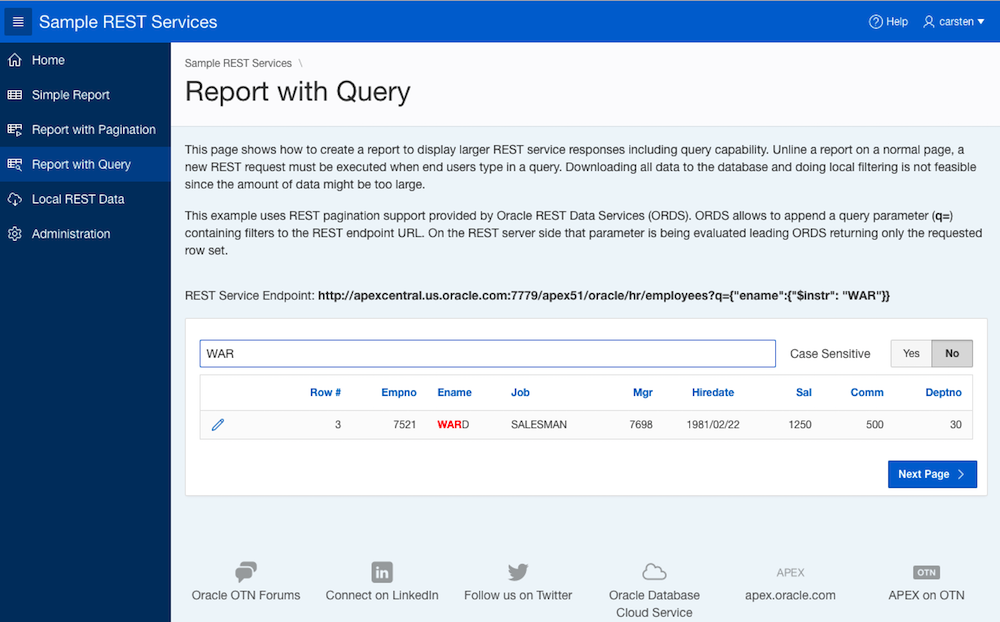
The packaged application Sample REST Services illustrates how the ORDS filter syntax can be used
not only in a SQL query, but in combination with an Application Express classic report.
ORDS filtering syntax in combination with an Application Express Classic Report
ORDS allows to combine the filtering syntax with the pagination syntax, illustrated in the previous
article. So you can have an Application Express report page, displaying data from a REST service, allowing
the end user to browse through pages and to execute filters. In all cases, only the data of interest
is being fetched from the REST service. Feel free to experiment with this!
back to blogs.oracle.com/apex
|
 Deutschsprachige APEX und PL/SQL Community